How To Handle Auto Risk Eliminator Updates
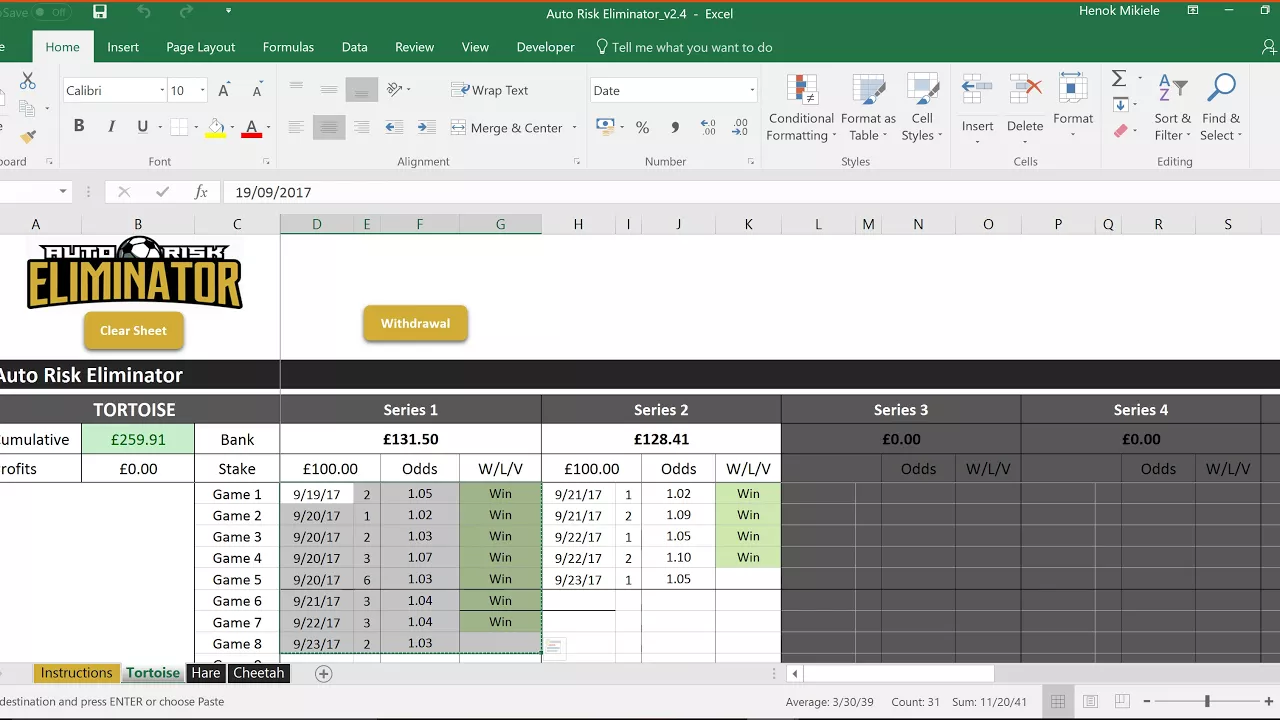
Here is a Microsoft article and video on how
to copy the data from your old ARE version to
the new one.
Important: You'll only be copying over the values, as if you
don't do that, you might take some of the old parameters
with you to the new ARE version which will mess
things up.
Alternatively, you can always start again and
input the data manually again yourself. Thats the simpler
but longer way.
Here is the Microsoft explanation: https://support.office.com/en-us/article/Paste-values-not-formulas-12687B4D-C79F-4137-B0CC-947C229C55B9
And as always, I have shot a short video for you - doing it myself:
Customer support service by UserEcho